
Which AI Writes Better Code – A Simple Example
Using AI to Create a Simple Program: A Calculator Example
Preamble
We wanted to test how AI actually works, whether it helps beginners, and if the applications it writes make sense. Our test is simple and relies on free AI models; this article won’t prove if AI is for you, but only what is possible to achieve with it, without any subscriptions or packages, when we give it the simplest possible project, the kind many people likely do in college as their first standalone application!
We gave each of the AI agents the following prompt: “Create a calculator with all algebraic symbols using the C language. Let it be large, visible, and clear. Let the buttons be yellow, the numbers and symbols black, and the display green.”
Gemini AI
Google Gemini hallucinated different languages into the program itself. Besides C, the file contained CSS and JavaScript, even though the prompt insisted on C as the language. The instructions for running and compiling the program were incorrect, and it was impossible to follow its directions to create a makefile.
Additionally, after the first prompt, Gemini required us to create a Google account for further instructions. This is much more restrictive than other models that allow several prompts without logging in!
Unfortunately, since the code Gemini created cannot be compiled, we don’t have a screenshot of the program to share.
ChatGPT
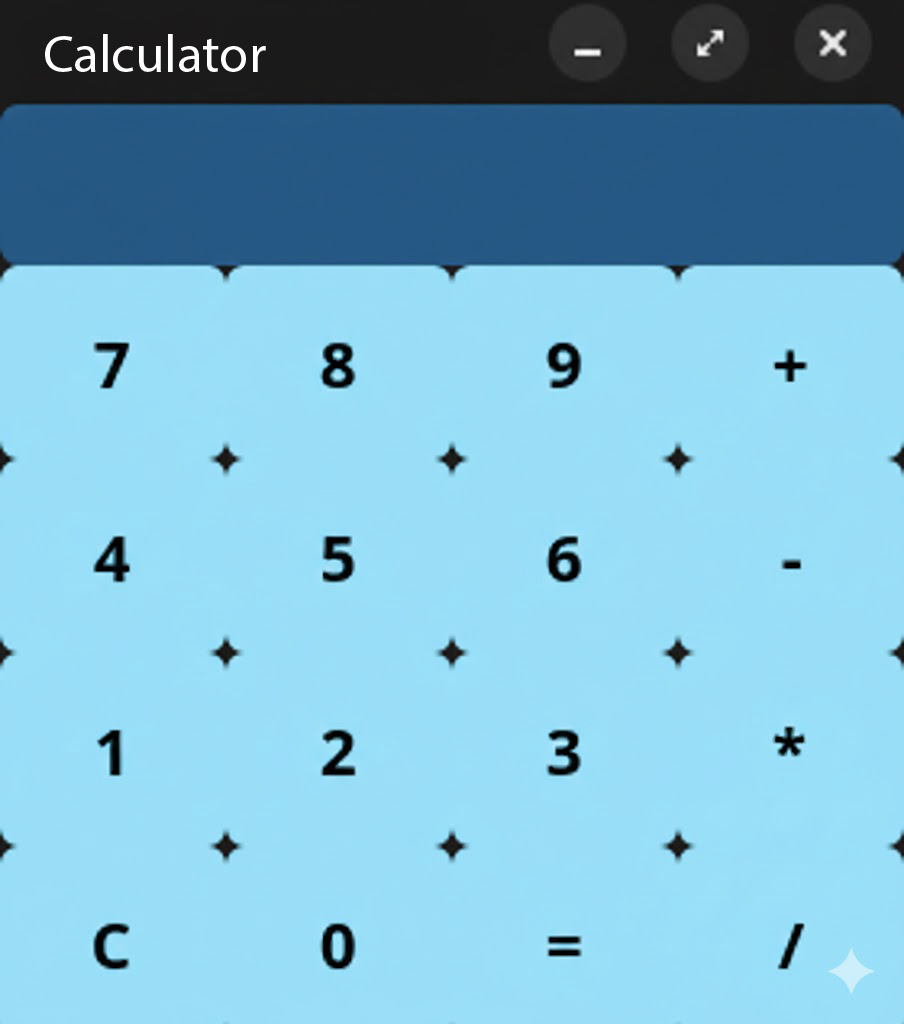
ChatGPT managed to write code that creates and runs the calculator itself. Its application possesses the basic options we expect from a calculator. The code was not hallucinated and did not contain any comments.
The problem with ChatGPT was that it was necessary to ask two additional questions to get instructions on how to run the program. Furthermore, the program does not scale properly when the window is enlarged; instead, the buttons have a fixed size while the program container stretches across the entire screen.
Claude AI
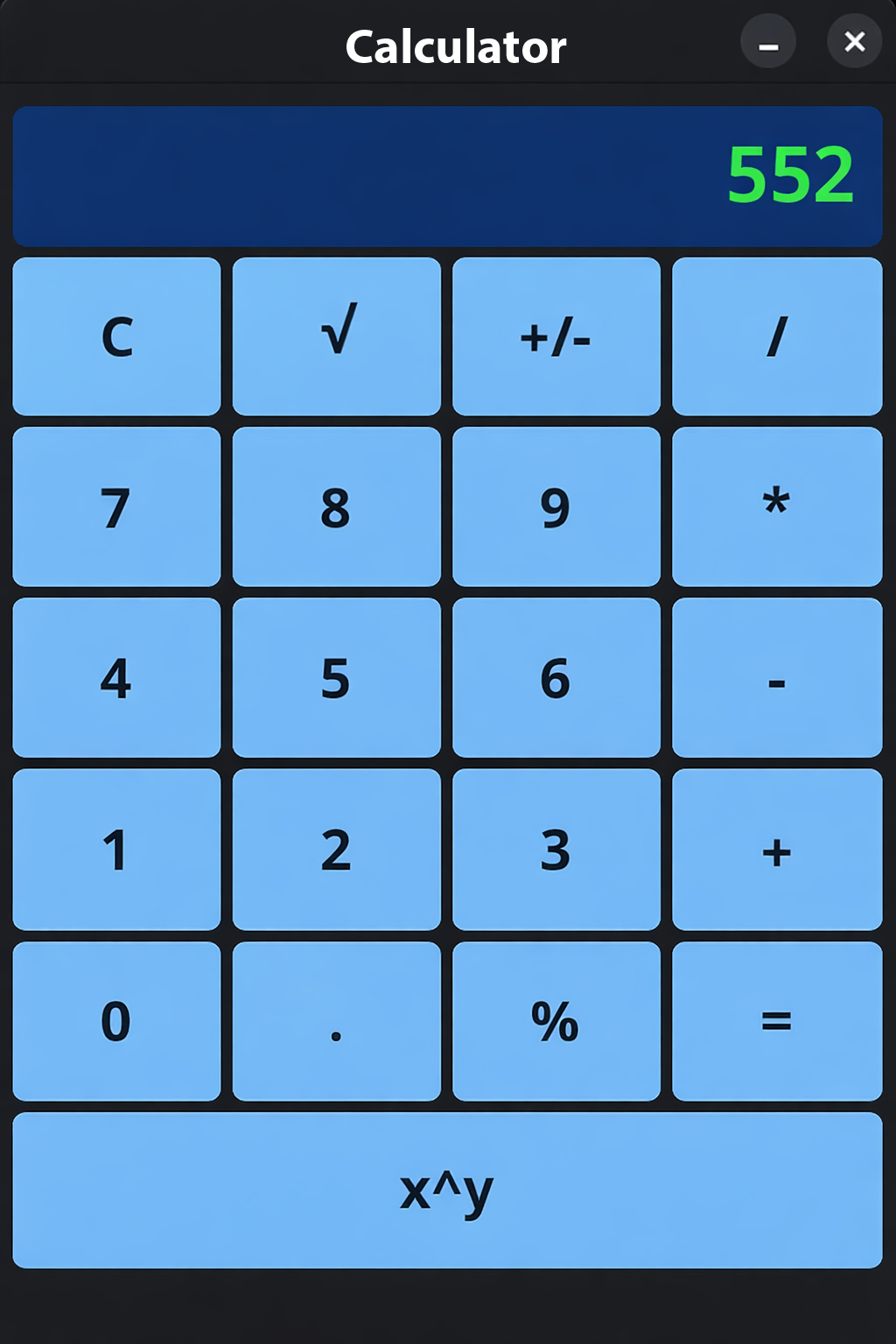
Claude managed to write the calculator code and include more operations and features than its competitors. Unlike the code generated by ChatGPT, the code is much simpler and explained in detail, which is a criticism for such a small program. The variables themselves were not named in a way that would allow a programmer to understand what is happening; instead, Claude relies on comments above every function it wrote.
Besides that, Claude created both a README.md and an EXPLANATION.md to document the application. The EXPLANATION.md explains the code that was written and what each part should do, which, while educational for someone very new, has no real application in business software.
The README.md contains almost BDD-style explanations about the calculator, treating the prompt as a small project. Additionally, useful instructions for running the program can be found inside. These same instructions were also present in the chat we had with Claude.
Regarding the application, it is slightly more complicated than the ChatGPT application and contains all the buttons one would expect on a calculator app. However, unlike the ChatGPT model, we are unable to see the entire formula being typed, only the last numbers entered. Naturally, such a UI is confusing and unintuitive for users, who would surely feel confused trying to use the application.
Conclusion
For our task, ChatGPT is by far the best from the perspective of a calculator user, while Claude is by far easier for a beginner developer to tinker with and improve.
LLMs generally store prompt results to respond faster. Therefore, there is a high probability that this experiment could be repeated with completely identical results.
Google Gemini could likely have created functional code, but since the purpose of the experiment was to get working code from two sentences without additional instructions, it simply failed to deliver what was requested.
